


You start a print, everything seems to be going well, and an hour later there is a tangle of filament on the print bed. Recognizable? A failed 3D print is frustrating, but the cause is usually easier to find than you think.
In this practical guide, we cover twelve common 3D printer problems. You will see how to identify each issue, what the likely cause is, and which solution you should try first.
Quick check before you change settings
Always check these four points first: is the print bed clean, is the first layer properly adjusted, is the filament dry, and is the nozzle clear? Many problems are caused by one of these basic issues. After that, change only one setting at a time so you know which adjustment produces results.
1. The first layer does not stick
Identification: the filament sticks to the nozzle, loose lines shift, or the model comes loose immediately.
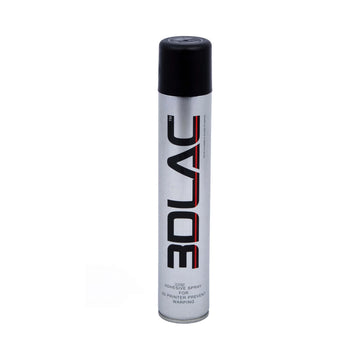
Solution: clean the build plate according to the manufacturer's instructions and touch the print surface as little as possible afterward. Check the Z-offset and print the first layer more slowly. The lines should be pressed slightly against each other, without the nozzle scraping the bed. A suitable build plate or sheet can make a big difference if the surface is worn or damaged.
2. Warping: corners pulling up
With warping, the material shrinks unevenly during cooling. Large, flat parts and materials like ABS and ASA are especially susceptible.
- Avoid drafts and large temperature fluctuations.
- Use the recommended bed temperature for the filament.
- Add a brim for extra contact surface.
- For technical materials, preferably use an enclosed printer.
Do not make the build plate unnecessarily hot: a stable environment and a good first layer are more important than just increasing the temperature.
3. Stringing: thin threads between parts
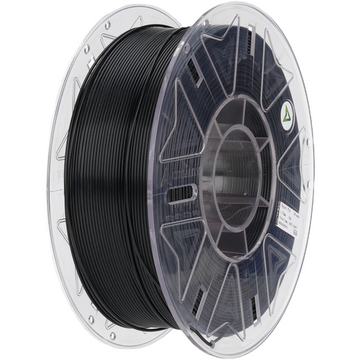
Stringing occurs when molten filament leaks from the nozzle during movements. Start by drying the filament. If the problem persists, lower the nozzle temperature in increments of 5 °C and check the retraction settings in your slicer.
PETG and TPU in particular can absorb moisture. Store opened spools in an airtight container and consider a filament dryer or drybox.


Leave a comment