


Introduction:
Discover the importance of regular maintenance and common repairs for 3D printers. Read these handy tips and guidelines to ensure your 3D printer performs optimally and has a longer service life.
1. Cleaning and Dust Removal:
Learn how to effectively clean your 3D printer and remove dust. Discover the best methods to prevent dirt buildup and optimize print quality.
2. Lubrication of Moving Parts:
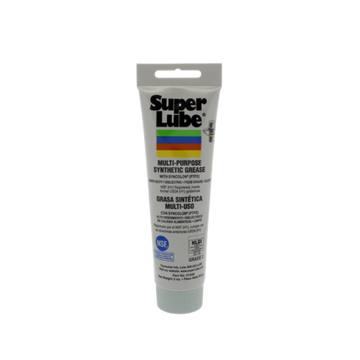
Find out why lubricating the moving parts of your 3D printer is essential for smooth performance. Learn which lubricants are most suitable for your specific printer model.
3. Leveling and Calibration:
Discover why regularly checking and adjusting the print bed level is crucial for successful printing. Learn how to accurately calibrate your printer for optimal print quality.
4. Filament Management:
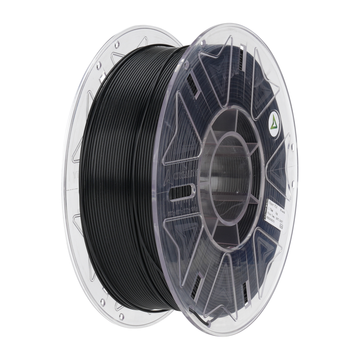
Discover how to properly manage and store your filament to avoid quality issues. Learn what to look for when choosing high-quality filament and how to prevent clogs.
5. Software Updates:
Learn why it is important to regularly perform software updates for your 3D printer. Discover how to get the latest features and bug fixes for improved performance.

Common Repairs for 3D printers: Tips and Guidelines
1. Solving Clogging Issues:
Learn how to effectively deal with clogged nozzles. Follow step-by-step instructions to remove dried filament and get your printer running optimally again.
2. Replacing Nozzles:
Discover when and how to replace nozzles for improved print quality. Learn what to look for when choosing the right replacement nozzles.
3. Replacing Cables:
Learn how to replace damaged cables to resolve malfunctions and communication problems. Follow your printer manufacturer's specific instructions for a safe replacement.
4. Adjusting Rollers:
Discover how to adjust the tension of the rollers for smooth movement of the print head and the print bed. Learn what to look out for to avoid friction issues.
Conclusion:
Maintaining your 3D printer and performing common repairs are essential steps to ensure that your printer continues to function optimally. By performing regular maintenance, such as cleaning, lubrication, and calibration, you can improve print quality and prevent issues. In addition, it is important to address common repairs, such as clearing clogs, replacing nozzles, replacing cables, and adjusting rollers.
By performing these repair and maintenance tasks regularly, you can extend the service life of your 3D printer and ensure it is always ready for successful prints. However, it is important to always consult the manual for your specific printer model before beginning any repairs. Each model may have unique features and requirements, so follow the specific instructions provided.
If you have doubts about your skills or if the problem seems complex, it is advisable to contact the manufacturer's customer service or a qualified technician to obtain professional help.
By performing regular maintenance and handling repairs correctly, you can ensure that your 3D printer is always in optimal condition and ready for successful and high-quality prints.


Leave a comment